
|
THE 30-SECOND VERSION ✓ Match the exact dispenser family—not only the brand name or refill volume. ✓ Confirm product type, foam or liquid format, connector, package shape, capacity and manual or automatic operation. ✓ Never dilute soap or transfer a sealed-system refill into another container. ✓ Keep soap, sanitizer and surface-chemical inventories clearly separated. ✓ Photograph model labels and keep an approved refill list for every location. |
WHY “IT FITS” IS NOT ENOUGH
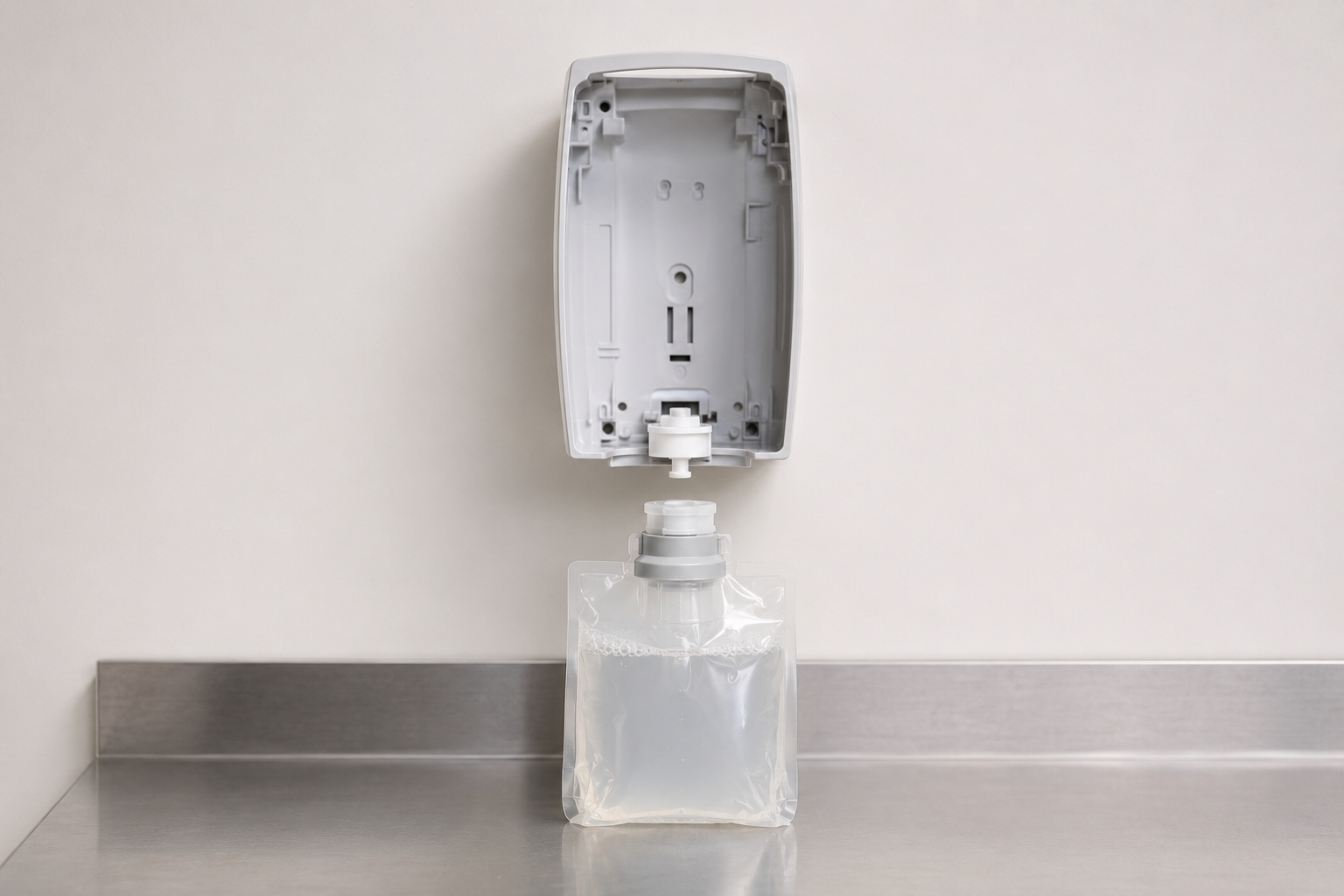
Commercial dispensers are engineered as systems. The pump, valve, refill connector, product viscosity, dose and package ventilation must work together. Two refills may share a brand and capacity yet belong to different dispenser generations. A pouch may physically enter the cabinet but fail to engage the pump or seal correctly.
Compatibility mistakes create more than inconvenience. They can cause dripping, clogged pumps, weak or inconsistent doses, damaged electronics, contamination risk, emergency purchasing and unopened inventory that cannot be used. A short verification step before ordering is far less expensive than troubleshooting dozens of installed units.
THE SIX-POINT COMPATIBILITY CHECK
|
Check |
What to verify |
Common failure when missed |
|
1. Product use |
Hand soap, hand sanitizer, industrial hand cleaner or surface product |
Wrong chemical placed at the point of use |
|
2. Format |
Foam, liquid or gel |
No foam, clogging, drips or poor dose |
|
3. Platform |
Exact dispenser family or series |
Connector or pump does not engage |
|
4. Capacity |
Exact approved refill size |
Package will not seat or door will not close |
|
5. Operation |
Manual, touch-free or counter-mount system |
Incorrect refill mechanism or power interface |
|
6. SKU approval |
Manufacturer-listed compatible refill number |
A near-match is ordered instead of the approved item |
IDENTIFY THE INSTALLED DISPENSER FIRST
Do not begin with a refill found in the stockroom. Begin at the dispenser. Open the cabinet using the approved service method and locate the model, family or series label. Record the manufacturer, dispenser model, manual or automatic operation, product type and any compatible refill numbers printed inside.
✓ Photograph the front and internal label. Include enough context to identify the restroom, sink or work area.
✓ Record the current refill SKU. Use the full item number, not a shortened handwritten description.
✓ Confirm foam, liquid or gel. Do not infer format from color or fragrance.
✓ Check capacity and connector. A 1,200 mL refill from one family may not fit another 1,200 mL platform.
✓ Verify against manufacturer documentation. Use the current compatibility list before adding the item to purchasing records.
|
● QUICK TIP Create a one-page dispenser map with location, model, product type and approved refill SKU. Add a QR code or shared-file link only if staff can reliably access it during service. |
SEPARATE THE THREE DECISIONS PEOPLE OFTEN COMBINE
|
Decision |
Question to answer |
Example |
|
Formula |
What product is appropriate for the users and task? |
Mild foam handwash for a public restroom |
|
Refill |
Which packaged SKU contains that formula? |
A sealed 1,200 mL refill with a specific connector |
|
Dispenser |
Which installed unit is approved for that refill? |
The matching manual or touch-free dispenser family |
A product can be appropriate in formula but wrong in package. Likewise, a refill can match the dispenser mechanically while the formulation is wrong for the application. Purchasing records should preserve all three layers so substitutes are reviewed intelligently rather than approved by description alone.
TROUBLESHOOT WITHOUT CREATING A SECOND PROBLEM
No product dispenses
Confirm the refill is fully seated, shipping caps or seals were removed as directed and the pump connection is engaged. For touch-free units, check indicator lights, batteries and sensor area according to the manufacturer’s instructions. If the refill is not listed as compatible, stop and replace it with an approved item rather than forcing the connection.
Foam is watery or collapses immediately
Verify that the refill is a foam formula designed for that dispenser. Foam depends on the correct air-to-product mixing components and product viscosity. Installing liquid soap in a foam unit—or diluting product—can produce poor output and damage the system.
The unit drips or leaks
Inspect the refill and connection for damage, confirm the package is seated correctly and look for residue around the outlet. Do not combine leftover product from different refills. Quarantine a leaking package and follow the supplier’s replacement and cleanup procedure.
Output is smaller or larger than expected
Compare the observed dose with the dispenser specification. A worn pump, incorrect refill, obstruction or improper setting may be involved. Automatic units may have service indicators or configurable dose settings; use only approved adjustments.
|
! COMMON MISTAKE Problem: topping off a dispenser with a different product or adding water to make soap last longer. ↓ Why it happens: staff are trying to avoid an empty unit. ↓ Better approach: keep approved backup refills available, replace sealed packages as designed and remove incompatible stock from the service area. |
BUILD COMPATIBILITY INTO PURCHASING
✓ Use exact item numbers. Descriptions such as “foam soap, one liter” are not specific enough for closed dispenser systems.
✓ Set approved substitutions. A substitute should be reviewed for formula, package, connector and dispenser approval before purchase.
✓ Label shelf locations. Separate soap, hand sanitizer and surface products with clear product-use and dispenser-family labels.
✓ Avoid mixed conversions. During a platform change, mark converted locations and keep old and new refills physically separated.
✓ Review discontinued systems. Monitor manufacturer notices and plan conversions before compatible refills become difficult to source.
✓ Train service staff. Show employees where model labels are located and how to report a mismatch without forcing a refill.
USE A CONTROLLED CONVERSION PLAN
When changing dispenser systems, inventory every installed unit and unopened refill before work begins. Select a pilot area, confirm output and user acceptance, then schedule conversion by zone. Remove the old dispenser and old refill stock from each completed zone so technicians do not accidentally reinstall the previous product.
Purchasing, maintenance and safety teams should share one approved-product list. Include the effective date and owner so the list is updated when formulas, packaging or dispenser platforms change. This turns compatibility from tribal knowledge into a repeatable operating control.
|
✓ KEY TAKEAWAY Prevent compatibility problems by treating the formula, refill and dispenser as one system. Record the exact platform and approved SKU, verify every substitution and make the correct choice obvious in the stockroom and at the point of service. |
MAKE THE CORRECT REFILL EASY TO IDENTIFY
Most dispenser failures are preventable when identification happens before ordering. A simple asset map, exact refill list and clearly separated inventory give maintenance staff the information they need at the moment of service. The result is fewer leaks and clogs, less wasted stock and more dependable access to soap and sanitizer throughout the facility.
Explore Soaps & Sanitizers
Share:
Center-Pull vs. Hardwound Paper Towels: Which System Is Better?
Antibacterial vs. Regular Hand Soap: What’s the Difference?